Compose without flattening
Keep pixels, type, masks, adjustments, and Smart Objects editable while the composition develops.
A focused, local-first workspace for photo editing and illustration, with layers, masks, retouching, brushes, editable type, and familiar creative formats.
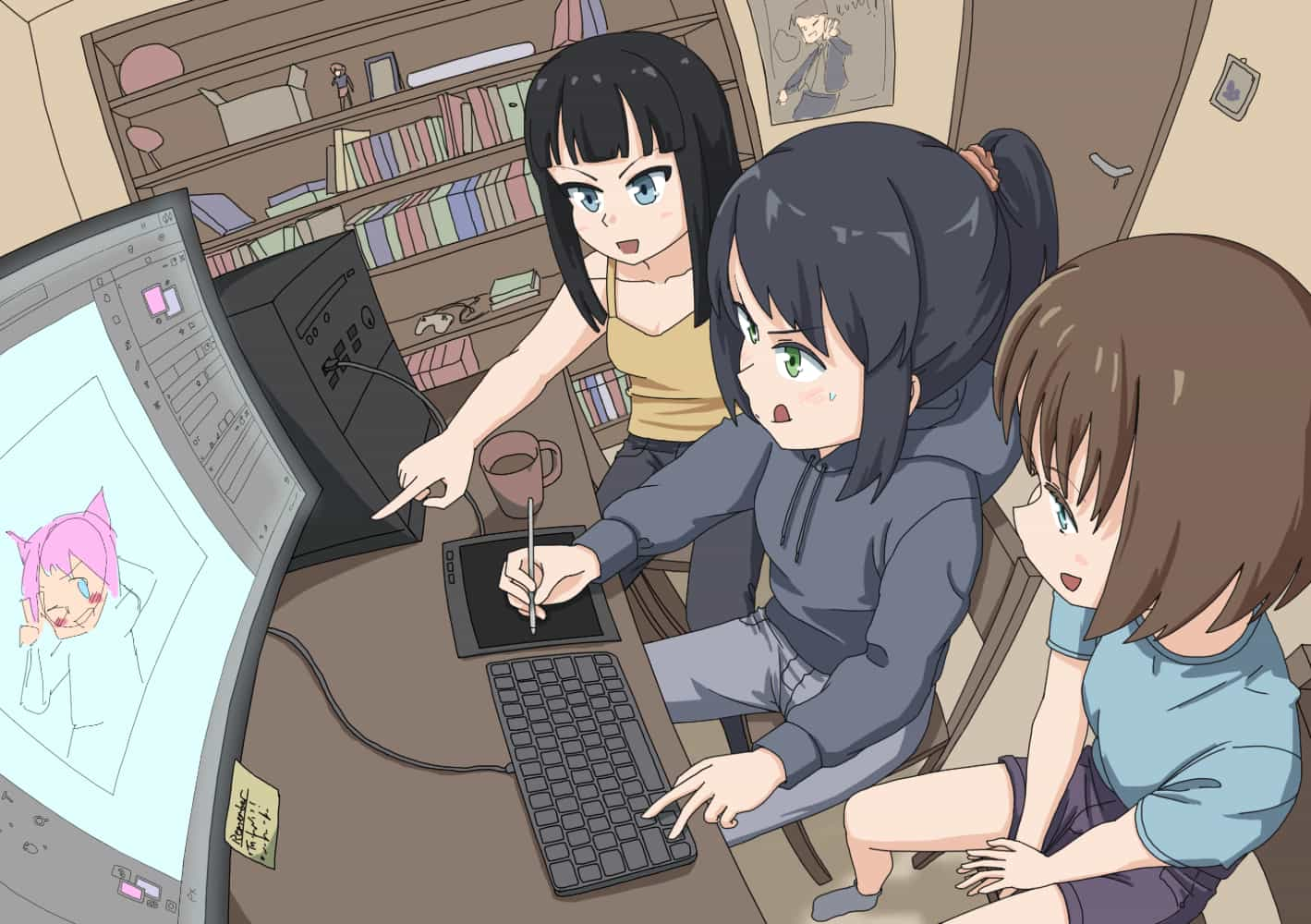
Create characters with personality and scenes full of life. The illustration above was made in Photomori. Alongside photo editing and compositing, its brushes, layers, and masks support detailed illustration work—from the first sketch to the finishing touches. Bring your own ideas to the canvas and see where they take you.
Move from quick corrections to layered compositions with the tools and document structure the work calls for.
Keep pixels, type, masks, adjustments, and Smart Objects editable while the composition develops.
Paint, heal, remove distractions, and refine selections with precise brushes and familiar controls.
Shape text, follow paths, control character variants, and revisit the wording without rebuilding the artwork.
Open, edit, and save on your device without an account or an automatic upload step.
Watch an underwater illustration come to life in Photomori, from sketch to final details, in 30 seconds.
Open Photomori with a clean workspace and keep the creative decisions in your hands.
Yes. Photomori opens, edits, and saves layered PSD files, including supported layers, groups, masks, text, and effects. Photoshop compatibility is still developing, so some advanced features may look different or may not remain fully editable in Photoshop after saving. Keep an original copy of important files. PSB (Photoshop Large Document Format) is not currently supported.
You can open PSD, Krita (.kra), Clip Studio Paint (.clip), GIMP (.xcf), Affinity (.afphoto and .af), Paint.NET (.pdn), Adobe Illustrator (.ai), and common image files such as PNG, JPEG, WebP, GIF, BMP, SVG, TIFF, AVIF, HEIF/HEIC, and ICO. Image support depends on your browser, and layered or vector format imports have compatibility limits; some content may be flattened. Save editable documents as PSD, or export images as PNG, JPEG, WebP, GIF, SVG, or TIFF. SVG export contains a flattened image, not editable vector artwork.
Yes. Photomori supports embedded and linked Smart Objects. You can place them, edit or replace their contents, relink files, and resize them without permanently changing the source pixels. Linked files may need to be selected again on your device. Some Photoshop-specific features, including advanced warps, cloud-library links, and Photoshop Smart Filter interchange, are not yet fully supported.
Your files stay entirely on your device unless you choose to use a cloud or online feature or service. If you use one of those features, Photomori uploads only the files or data needed to provide it. Otherwise, opening, editing, saving, and local recovery all happen on your device; supported browsers can also save directly to a folder you choose. The app may download resources such as fonts without uploading your files.
No separate download or installation is required. Open Photomori in your browser and start editing. If your browser supports installation, you can optionally use Help → Install Photomori to add it as an app. After a successful load, the cached app can also reopen offline without being installed.